To enable 2-factor authentication (2FA), go to https://eyeintelligence.com/ and log into your account.
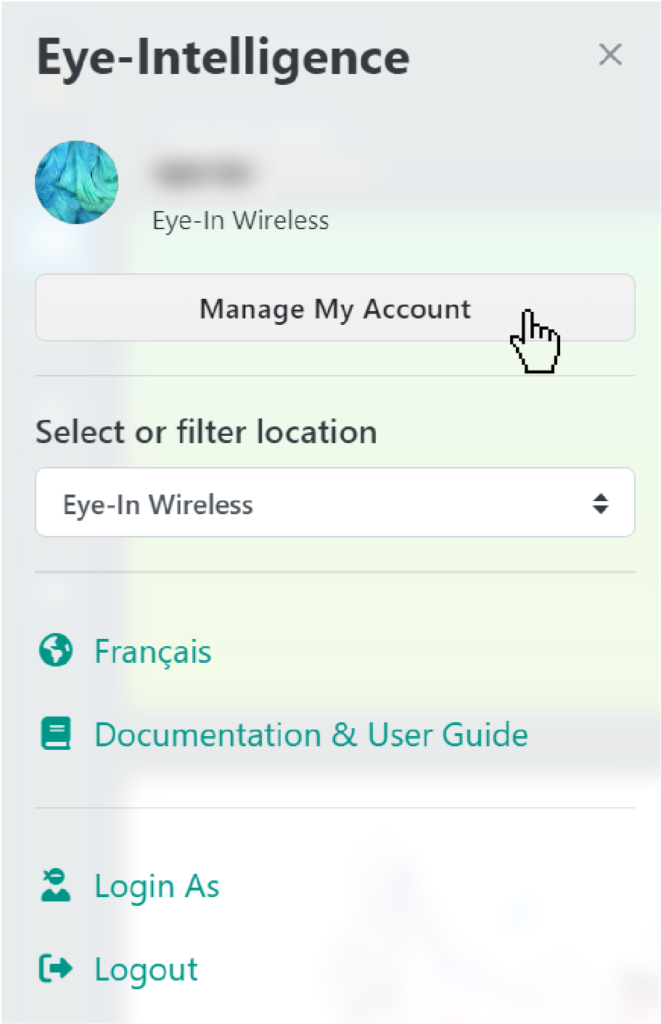
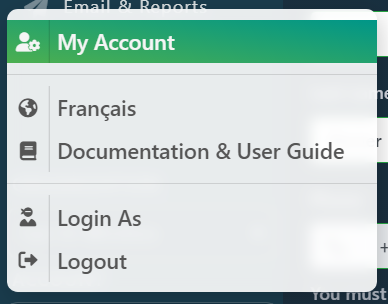
Once logged in, click on the icon to go to your profile, then to « manage my account ».
For small screen :

For larger screens :

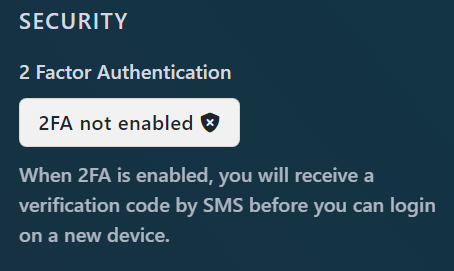
In security, click on 2FA not enabled to enable it.
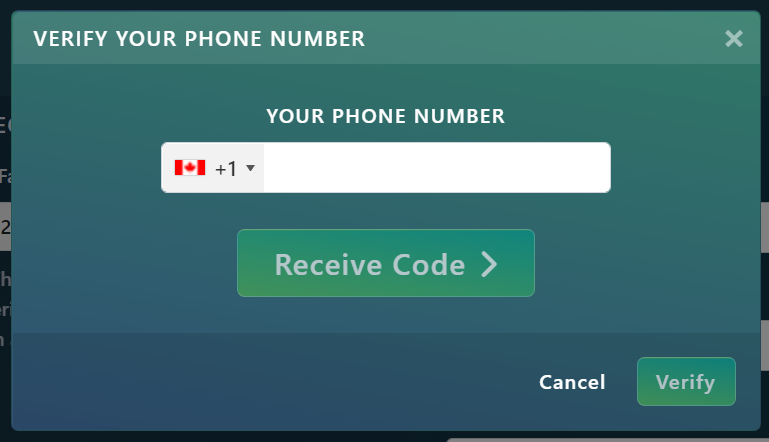
Enter your phone number.
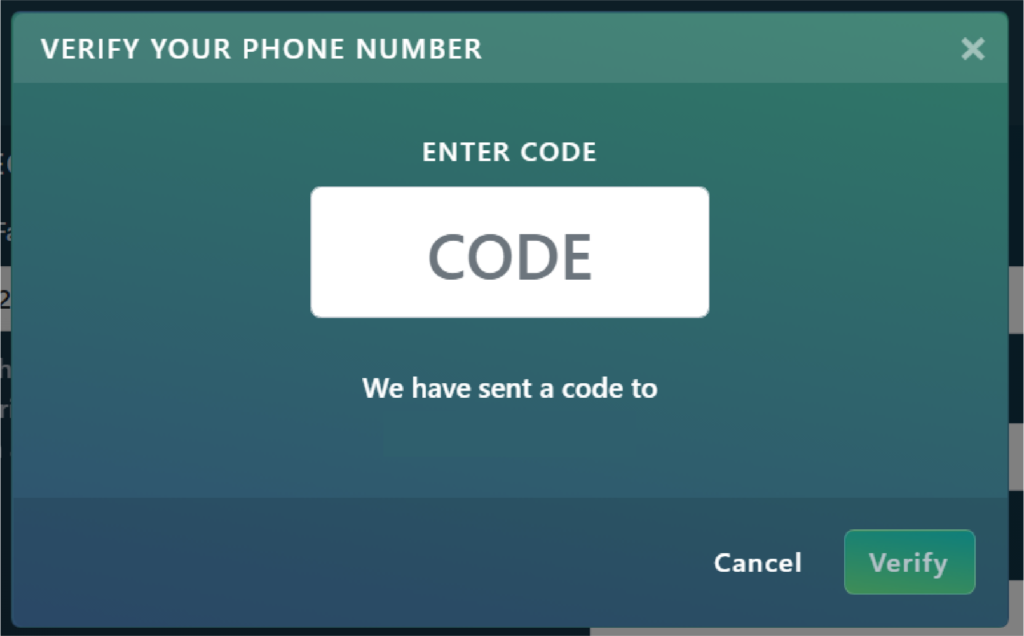
Enter the code you received by message.
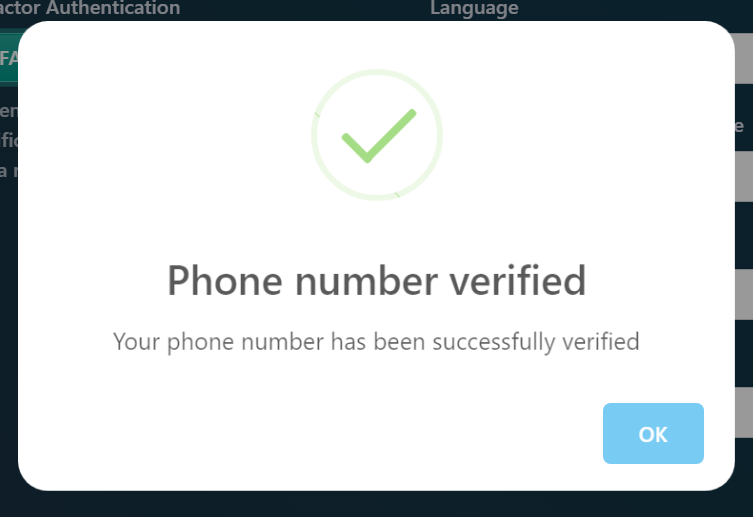
2-factor authentication is now active on your account.