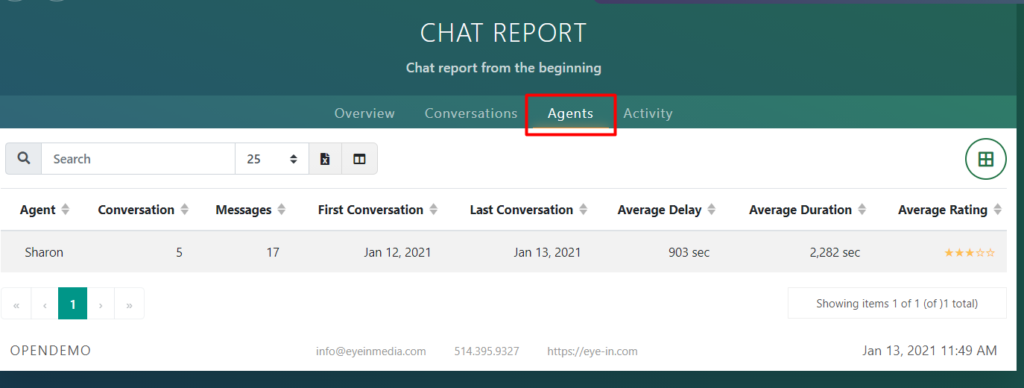
Select the Agents tab in the Chat report to see the list of agents:
Exporting table to Excel
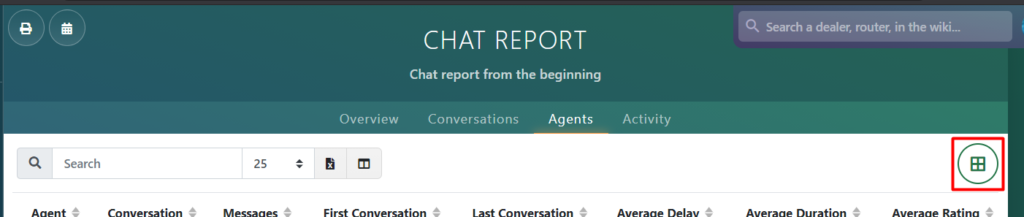
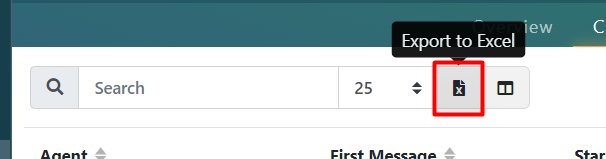
You can export a list of conversations to Excel by clicking on the right corner button:
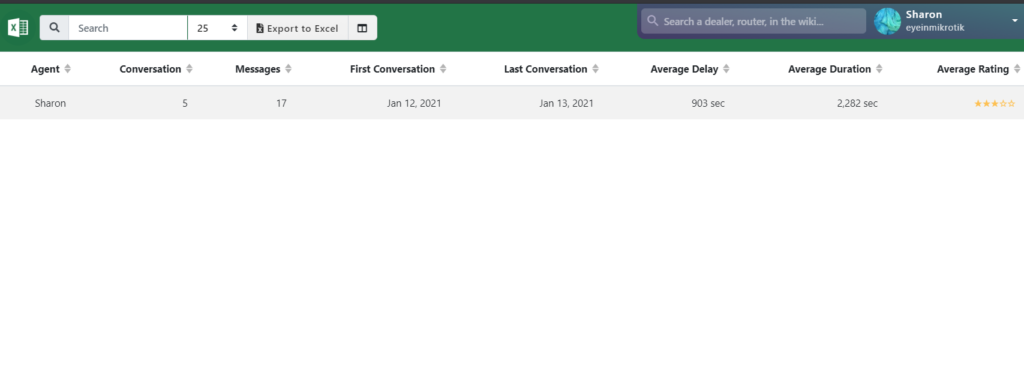
This will open the Excel sheet with all the table:
Doing a search
You can do a detailed search of the conversations using the search bar tools:

For example, you can:
- Type specific words in the search bar:

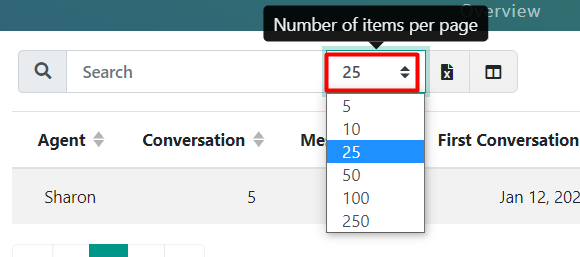
- Modify how many items you want to see on one page:
- Export the file to Excel (an alternative to the method mentioned above):
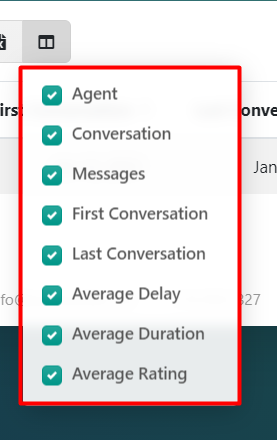
- Hide/show certain columns: