Link a project to a FoodForce Menu
Start by creating a new project or open an existing one.
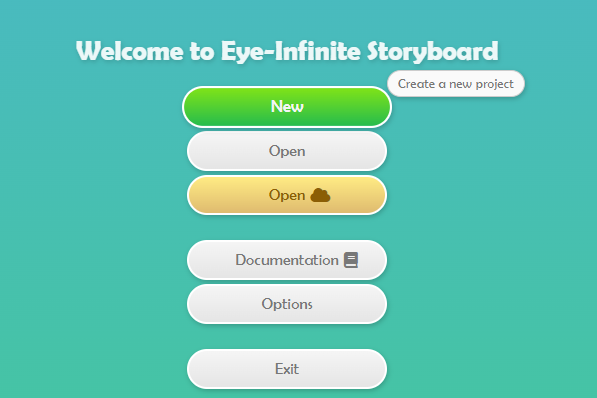
Configure the size, orientation, language and everything else you need.

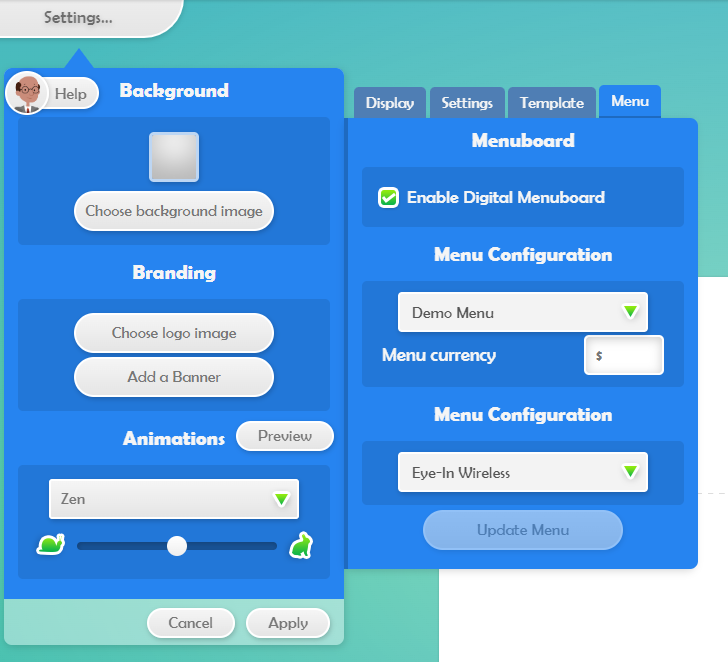
Select the Menu tab, and check the box Enable Digital Menuboard. Select your menu and the Restaurant that you would to use to preview the end result.
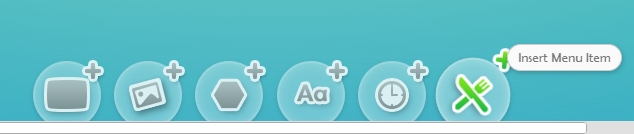
After enabling the Digital Menuboard, you will see the new tool to insert menu items. This means the Menu has been enabled succesfully.