In order to invite a family member, navigate to the Residents page and click on the Families tab.
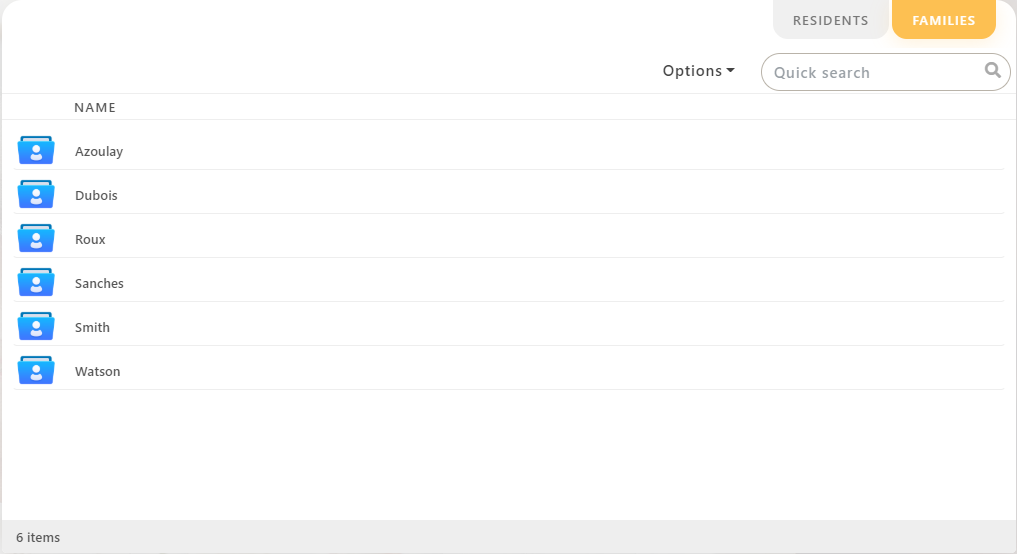
You will then see the families registered in your establishment. You will need to double-click on the one you want to invite the member to.
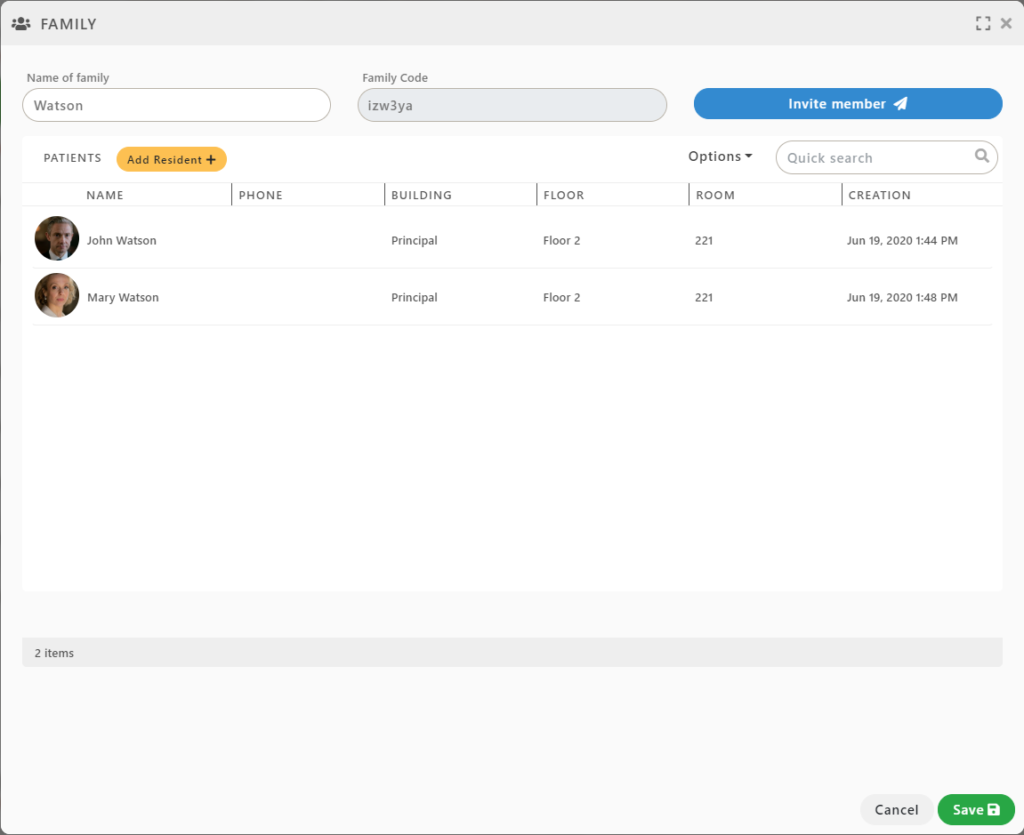
Click the Invite member button.
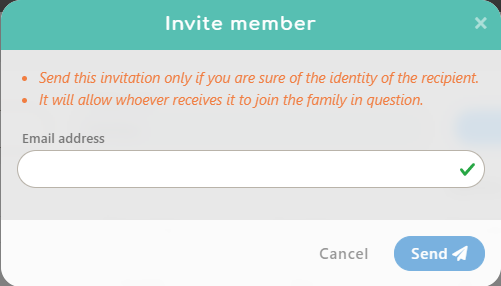
Finally, fill the email address and click the Send button.